Single
Your first 720p video.
$9.99
One-time · $9.99 per video
- 10 credits
- 1 video in 720p
- Credits never expire
- No watermark
- Refund if a render fails
Turn one photo into your version of the Bulin 47 freestyle. Download about 14 seconds in 720p or 1080p, with the original audio and the source performance as the motion reference. A vertical MP4 for TikTok, Reels and Shorts.
1Loading your photo…
Bulin47 Video is a Bulin 47 AI video generator that uses one photo to replace the appearance of the central freestyle performer. The clip is about 14 seconds long, keeps the original audio and downloads as a 720p or 1080p MP4. No prompts or editing app are needed.
What is the Bulin 47 AI trend? →
The clip is already cut and timed. You only bring a face — no timeline, no prompts.
Use a sharp, front-facing photo with your face, hair and clothing visible. One person per photo.
The AI uses your photo for the appearance and the original clip for the movements. The surrounding crowd stays in the source scene.
Save the vertical MP4 with the original audio and post it straight to TikTok, Reels or Shorts.
AI versions people are posting on TikTok. Previews play automatically — the credit stays with each creator.
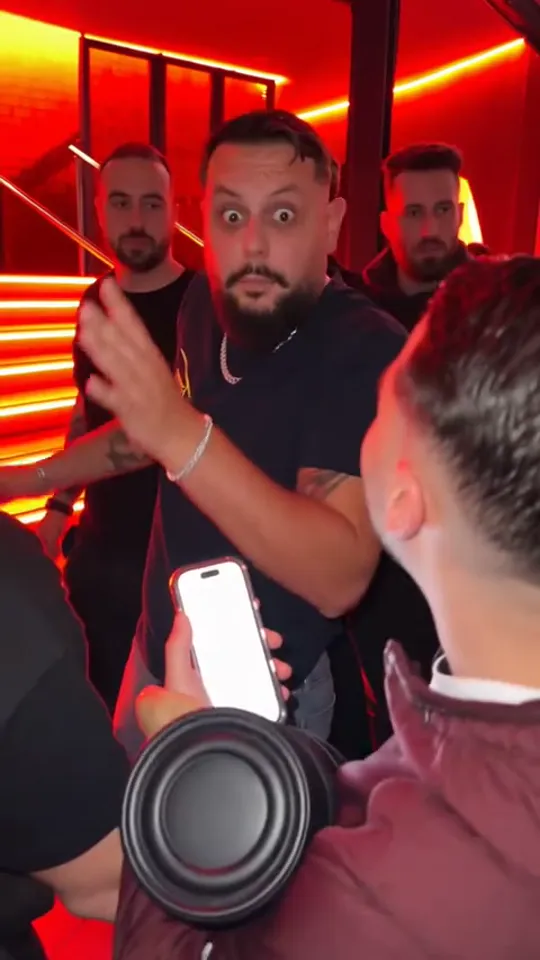 TikTok718.1K views@visjanukcenaj ↗
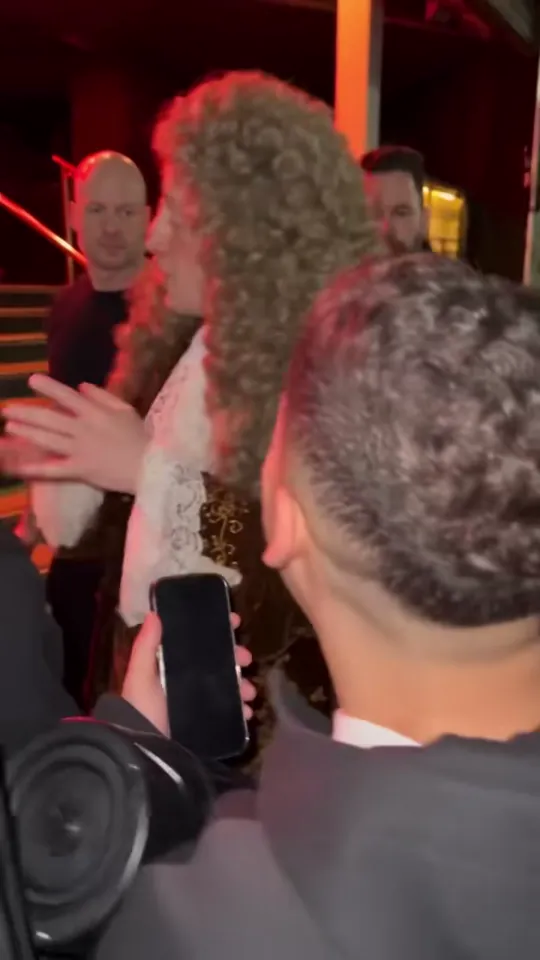 TikTok1.4M views@fruta654 ↗
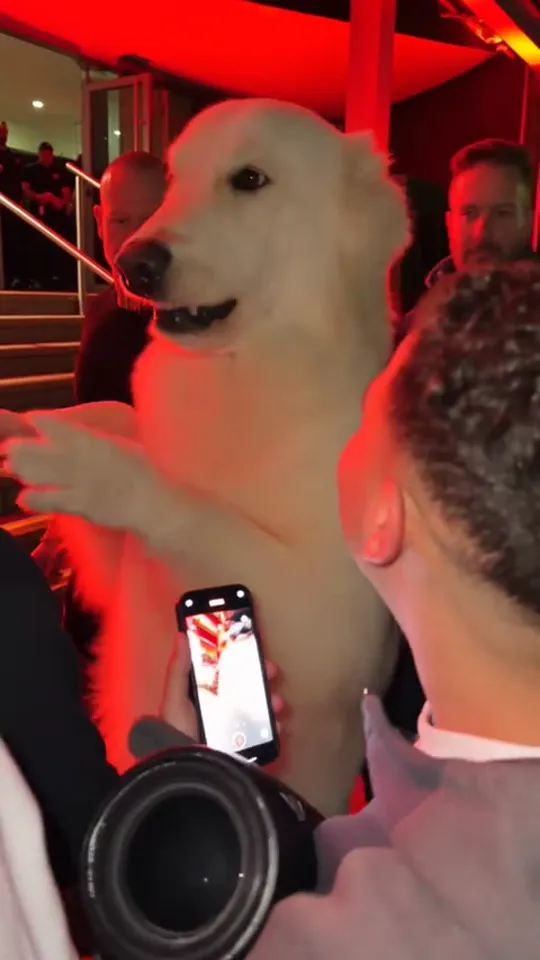 TikTok3.3M views@lumafxa ↗
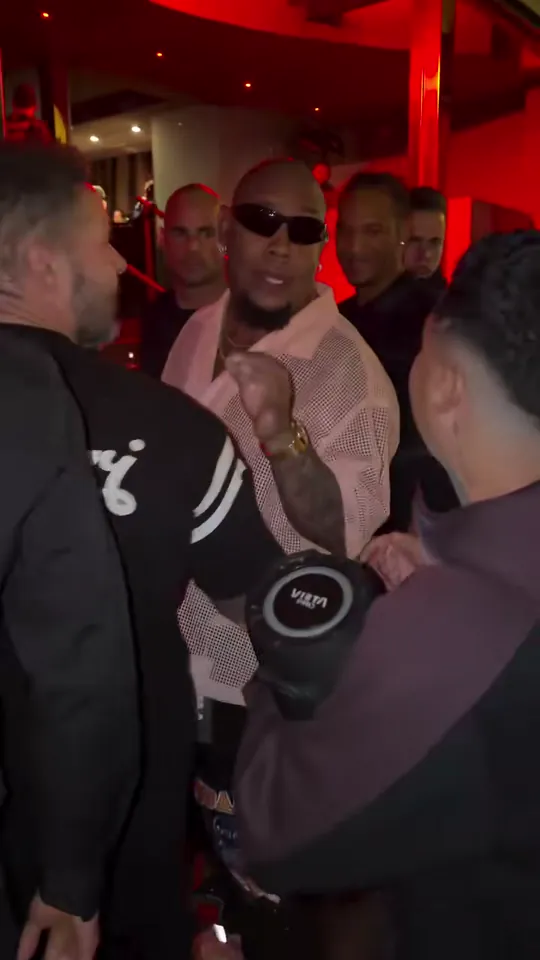 Your version nextMake yours
What makes a great render, and what AI still gets slightly wrong.
720p: 10 credits per video. 1080p: 20 credits per video. Buy once and use your credits when you like.
Your first 720p video.
$9.99
One-time · $9.99 per video
Three 720p videos.
$24.99
One-time · $8.33 per video
Ten 720p videos.
$69.99
One-time · $7 per video
A 720p video uses 10 credits; a 1080p video uses 20. Packs cost $9.99 for 10 credits, $24.99 for 30 or $69.99 for 100. There is no subscription, and purchased credits do not expire.
No. Bulin47 Video is an independent fan-made tool. It isn't affiliated with, endorsed by or connected to Bulin 47, Kevin Wai or their teams.
Upload a clear photo, choose 720p or 1080p, confirm your permission and select Make my video. Both options keep the source clip’s original 24 fps and audio. Download the MP4 when it is ready.
Usually a few minutes, depending on demand. You can check the status and download the finished result from My videos.
Yes. You get a 14-second vertical MP4 with the original freestyle audio.
No. Only use photos of yourself or of adults who have given you permission. Photos of celebrities, public figures or minors are not allowed and may be blocked.
It's used only to make your video. We never publish it or use it to train models. The Privacy Policy explains how long files are kept.
Failed or blocked renders are refunded automatically. If a finished video clearly missed your face, email us with the video's date and we'll take a look.
1080p offers more resolution and uses 20 credits; 720p uses 10. Both use the same clip and retain its duration, vertical aspect ratio, original audio and 24 fps. AI generates the visuals, so higher resolution does not guarantee perfect mouth movement.